

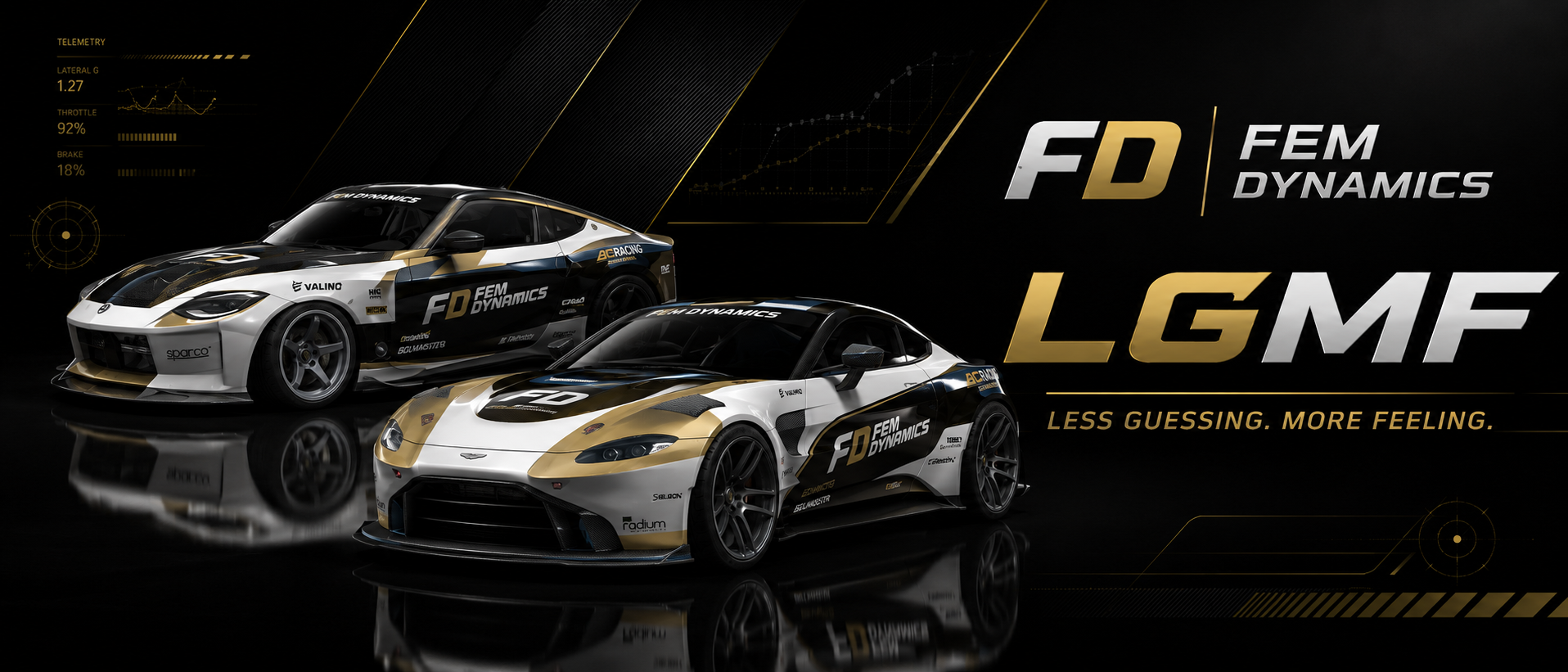

FEMDynamics
After leaving the U.S. Army, I started developing Assetto Corsa mods as a hobby. What began as a way to spend my free time quickly turned into a passion for creating tools that improve immersion and make driving feel more connected to the car.
Every FEM Dynamics project is designed, programmed, tested, and supported by me. I focus on building original mods that solve problems or add new experiences instead of recreating what already exists. My projects include dynamic cockpit cameras, cinematic replay cameras, configurable 2-Step and Launch Control systems, and other tools designed for both drivers and content creators.
Thanks for checking out my work. I hope the mods help make your time in Assetto Corsa even more enjoyable.
Less Guessing. More Feeling.
Content Overview
Impact Overview
Engagement Overview
No competitions available yet
No mods match your search
No mods published yet
No videos featured yet
No gallery images yet
Send a Tip
Show your appreciation by sending a tip to FEMDynamics.
By sending a tip, you agree to the VOSAN Terms of Use. Creator Tips are voluntary support payments and do not include any goods or services in return. Tips are non-refundable and do not constitute a charitable donation.
UPDATED: FD POV Head Cam v1.0 + Live Tuner
UPDATED: FD POV Head Cam v1.0 + Live Tuner
FD 2-Step v1.0 — Support FEM Dynamics
FREE VERSION AVAILABLE WITH THE EXACT SAME CAPABILITIES. THIS PAID VERSION IS ONLY HERE IF YOU LIKE THE MOD, WANT TO SUPPORT FEM DYNAMICS, OR WANT TO BUY ME A COFFEE. FD 2-Step v1.0 is a live-tunable 2-step / launch-control tool for Assetto Corsa by FEM Dynamics. This mod adds an adjustable RPM limiter with bounce behavior, live in-game tuning, and a custom hold-to-activate trigger bind. It is a simple way to add a 2-step style limiter to their cars for launches, rev control, drift starts, and sound/clip use. Features: - Live in-game FD 2-Step app - Adjustable RPM limit - Set to current RPM button - Soft / Medium / Hard bounce aggression - Adjustable RPM drop - Adjustable recovery hysteresis - Custom trigger bind inside the app - Hold-to-activate behavior - Installer for all cars - Individual car install option - Attempts packed/encrypted cars, but support is not guaranteed for every car How it works: Run the installer, install FD 2-Step to your chosen cars, open the FD 2-Step app in-game, bind your trigger button, enable 2-step, and hold your bind while pressing throttle. Notes: - Requires Assetto Corsa with Custom Shaders Patch. - Works best with CSP extended physics enabled. - Some encrypted/packed cars may not work depending on how the car is protected or loaded. - This free version has the same capabilities as the paid support version. Compatibility note: FD 2-Step has been tested multiple times and works when CSP car scripts/extended physics are allowed to run. Some encrypted, packed, or heavily protected cars may not load the required car-side script, even if the app appears in-game. Packed/encrypted car support is attempted, but not guaranteed. Less guessing. More feeling. Support: [email protected] Official links: https://femdynamics.gumroad.com https://www.youtube.com/@FEMDynamics https://www.facebook.com/femdynamics/ https://www.instagram.com/femdynamics/
FD 2-Step v1.0
FD 2-Step v1.0 is a live-tunable 2-step / launch-control tool for Assetto Corsa by FEM Dynamics. This mod adds an adjustable RPM limiter with bounce behavior, live in-game tuning, and a custom hold-to-activate trigger bind. It is a simple way to add a 2-step style limiter to their cars for launches, rev control, drift starts, and sound/clip use. Features: - Live in-game FD 2-Step app - Adjustable RPM limit - Set to current RPM button - Soft / Medium / Hard bounce aggression - Adjustable RPM drop - Adjustable recovery hysteresis - Custom trigger bind inside the app - Hold-to-activate behavior - Installer for all cars - Individual car install option - Attempts packed/encrypted cars, but support is not guaranteed for every car How it works: Run the installer, install FD 2-Step to your chosen cars, open the FD 2-Step app in-game, bind your trigger button, enable 2-step, and hold your bind while pressing throttle. Notes: - Requires Assetto Corsa with Custom Shaders Patch. - Works best with CSP extended physics enabled. - Some encrypted/packed cars may not work depending on how the car is protected or loaded. - This free version has the same capabilities as the paid support version. Compatibility note: FD 2-Step has been tested multiple times and works when CSP car scripts/extended physics are allowed to run. Some encrypted, packed, or heavily protected cars may not load the required car-side script, even if the app appears in-game. Packed/encrypted car support is attempted, but not guaranteed. Less guessing. More feeling. Support: [email protected] Official links: https://femdynamics.gumroad.com https://www.youtube.com/@FEMDynamics https://www.facebook.com/femdynamics/ https://www.instagram.com/femdynamics/
UPDATED: FD POV Head Cam v1.0 + Live Tuner
UPDATED: FD POV Head Cam v1.0 + Live Tuner
FD POV Head Cam v1.0 + Live Tuner
FEM Dynamics POV Head Cam v1.0 is a CSP cockpit-camera mod for Assetto Corsa built to make cockpit driving feel more alive, physical, and connected to the car. Instead of the camera staying stiff, FEM Dynamics reacts to braking, throttle, lateral G-force, bumps, suspension movement, steering input, and drift behavior to create a more natural POV head movement system. This version includes FEM Dynamics Tuner v1.0, an in-game live tuning app that lets you adjust the camera while driving. Features: - Live in-game tuner app - Normal / Drift mode toggle - Braking dive - Acceleration lean - Lateral G-force movement - Steering-based look movement - Road bump and suspension response - Corner inertia - Terrain pitch - Impact response - Adjustable strength, response, position movement, bumps, roll, pitch, yaw, and more - Works through CSP cockpit-camera / Neck FX - Clean v1.0 install package Installation: Drag and drop the zip into Content Manager, or manually copy the included extension and apps folders into your Assetto Corsa root folder. After installing: 1. Open Content Manager. 2. Go to Settings > Custom Shaders Patch > Neck FX. 3. Enable Neck FX. 4. Select FEM Dynamics POV Head Cam. 5. In-game, open FEM Dynamics Tuner from the app bar for live adjustments. Notes: - Requires Assetto Corsa with Custom Shaders Patch. - Built for cockpit/driver view. - Drift mode is controlled through the FEM Dynamics Tuner app. - FOV live tuning is reserved for a later update. Less guessing. More feeling. Support: [email protected] Official links: https://femdynamics.gumroad.com https://www.youtube.com/@FEMDynamics https://www.facebook.com/femdynamics/ https://www.instagram.com/femdynamics/
FD POV Head Cam v1.0 + Live Tuner
FREE VERSION AVAILABLE WITH THE EXACT SAME CAPABILITIES. THIS PAID VERSION IS ONLY HERE IF YOU LIKE THE MOD, WANT TO SUPPORT FEM DYNAMICS, OR WANT TO BUY ME A COFFEE. FEM Dynamics POV Head Cam v1.0 is a CSP cockpit-camera mod for Assetto Corsa built to make cockpit driving feel more alive, physical, and connected to the car. Instead of the camera staying stiff, FEM Dynamics reacts to braking, throttle, lateral G-force, bumps, suspension movement, steering input, and drift behavior to create a more natural POV head movement system. This version includes FEM Dynamics Tuner v1.0, an in-game live tuning app that lets you adjust the camera while driving. Features: - Live in-game tuner app - Normal / Drift mode toggle - Braking dive - Acceleration lean - Lateral G-force movement - Steering-based look movement - Road bump and suspension response - Corner inertia - Terrain pitch - Impact response - Adjustable strength, response, position movement, bumps, roll, pitch, yaw, and more - Works through CSP cockpit-camera / Neck FX - Clean v1.0 install package Installation: Drag and drop the zip into Content Manager, or manually copy the included extension and apps folders into your Assetto Corsa root folder. After installing: 1. Open Content Manager. 2. Go to Settings > Custom Shaders Patch > Neck FX. 3. Enable Neck FX. 4. Select FEM Dynamics POV Head Cam. 5. In-game, open FEM Dynamics Tuner from the app bar for live adjustments. Notes: - Requires Assetto Corsa with Custom Shaders Patch. - Built for cockpit/driver view. - Drift mode is controlled through the FEM Dynamics Tuner app. - FOV live tuning is reserved for a later update. Less guessing. More feeling. Support: [email protected] Official links: https://femdynamics.gumroad.com https://www.youtube.com/@FEMDynamics https://www.facebook.com/femdynamics/ https://www.instagram.com/femdynamics/
FD Telemetry HUD
FD Telemetry HUD gives you a polished set of modular displays without the bulky “default app” look. It is designed to stay readable while keeping your screen clean, especially for cockpit, chase cam, and creator-style footage. Included displays: FD Dash — speed, gear, RPM, boost support, and clean dash readout FD Pedals — throttle, brake, clutch, handbrake, input traces, brake peak marker, clutch kick indicator, and handbrake flash FD Tyres — tyre readouts with a clean motorsport-style layout FD G-Force — live G-force display with fading trail, lateral peak, braking peak, and resettable telemetry peaks FD Suspension — four-corner suspension travel/load display with roll, pitch, heave, peak compression markers, and bottom-out feedback FD Settings — central settings panel for themes, scaling, opacity, units, creator mode, and reset options Theme options: FD Gold — default FEM Dynamics black/gold style Stealth — subtle black/grey look Redline — aggressive red/orange theme Ice — clean blue/white modern theme Classic LCD — older green digital display style Creator Overlay Mode: One-click cleaner overlay mode for screenshots, shorts, and recorded footage. Creator Mode can: lower opacity hide extra display clutter enlarge key dash information soften G-force trails clean up pedal traces reduce warning-style popups hide display names like FD Dash, FD G-Force, and FD Suspension for a cleaner video overlay Installation: Drag the ZIP into Content Manager and install. Manual install: Open the ZIP and copy the included apps folder into your Assetto Corsa root folder. Enable the FD apps in Content Manager, then open them from the in-game app sidebar. Recommended: Assetto Corsa Content Manager Custom Shaders Patch recommended First Release Note: This is the first public release of FD Telemetry HUD. If you run into any issues, bugs, missing telemetry, install problems, or display problems, please email: [email protected] Please include what happened, what car/track you were using, and a screenshot if possible. Note: Some telemetry values depend on what Assetto Corsa/CSP exposes for each car. The suspension widget includes a fallback load-proxy mode for cars that do not expose full suspension travel data. IF YOU DOWNLOAD AND IT DOESNT EVEN INSTALL PLEASE PLEASE PLEASE LET ME KNOW ASAP VIA EMAIL FEM Dynamics Less guessing. More feeling.
No content found in this feed yet.